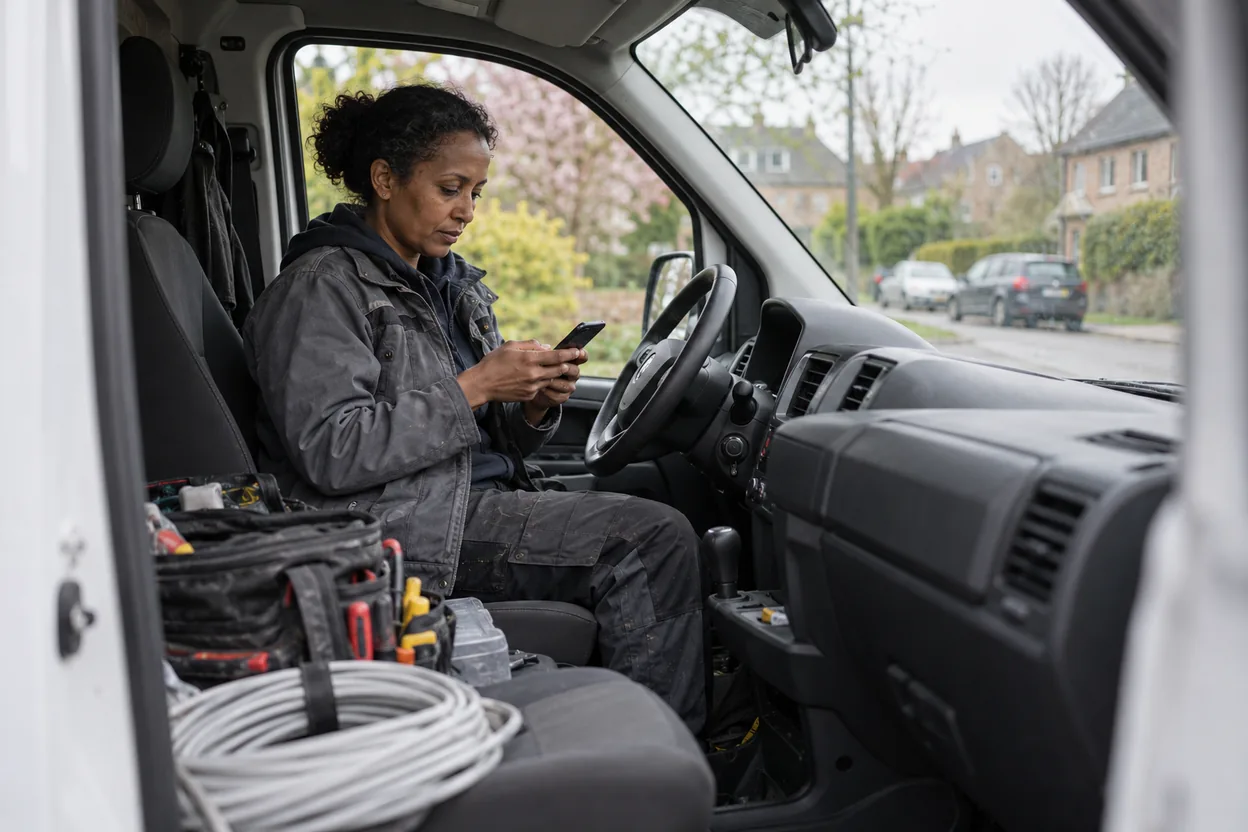
Here’s a library of ready-made templates for asking for Google reviews. Adapted to different situations. Use as they are or adjust to your tone and industry.
SMS templates
Variant 1: Short after a visit
“Hi Anna! Thanks for the visit today. If you have a minute we’d appreciate a short review on Google: [link]. /Erik”
Variant 2: Friendly after a service
“Hi Marcus! Hope you’re happy with the cut yesterday. If you’d like to write a few lines about the experience, it helps enormously. [link] /Erik”
Variant 3: After a finished trades job
“Hi Sara! Done with the pipe leak now, get in touch if something isn’t working as it should. If you have a minute: [link] /Anders, VVS Stockholm”
Variant 4: For a returning customer
“Thanks [name] for the trust again. You’re one of our most loyal customers. If you ever feel like sharing your experience: [link]. No pressure, only if you feel like it. /[First name]“
Variant 5: Short and neutral
“Hi [name], thanks for coming in today. Would you tell us how it was? A review, whatever you think, helps others choose: [link] /[First name]”
Send the same request to every customer. Don’t ask specifically for reviews from those who seem happy, and don’t ask the customer to write anything in particular. Both go against Google’s policy.
Variant 6: For a restaurant after a visit
“Hi Lisa! Thanks for choosing us yesterday. If you’d like to write a few lines about the experience: [link]. Hope to see you again. /The kitchen”
Email templates
Variant 1: Standard after a visit
Subject: Thanks for the visit, a short request
Hi Anna,
Thanks for choosing us yesterday. Hope you’re happy with [service].
If you’d like to write a few lines about how you experienced the visit, it helps others thinking of the same thing. Direct link to Google: [link]
Please get in touch if something wasn’t as you wanted.
Best regards, Erik [Company]
Variant 2: After a larger finished project
Subject: The project is complete, and a short request
Hi [name],
The [project] is now complete and we hope you’re happy with the result.
One thing we always appreciate is when customers write a few lines about how they experienced the collaboration, it means a lot to us and helps others find us.
Direct link to Google: [link]
Thanks in advance, [Name] [Company]
Variant 3: At booking confirmation + later request
Subject: Booking confirmation + a short request afterwards
Hi [name],
Confirmation of your booking [date, time].
[Rest of booking information]
After the visit: if you’d like to leave a short review on Google it helps us find more customers like you. No obligation, just appreciation. We send a link the day after the visit.
See you! [Name]
Variant 4: After dissatisfaction (in case of possible unhappiness)
Subject: We’d like to hear more
Hi [name],
From your feedback we understood that the visit didn’t meet expectations. That’s not how we want to work.
Would you like to get in touch directly and let us see what we can do to make it right? Call [phone] or reply to this email.
We take all feedback seriously.
Best regards, [Name]
(This email does not replace the review request. Deal with the complaint first, but let the customer get the same review request as everyone else. Asking only happy customers goes against Google’s policy.)
Adaptations per industry
Hair salon / beauty salon
Ask within 24h. Personal sender. Send SMS rather than email for younger customers. For older customers: email + a more formal tone. For beauty treatments, reviews that mention the treatment itself are especially valuable. More on that in Visibility for beauty salons.
Restaurant / café
Table booking systems can often automatically send review requests the day after. Use that. For drop-in customers: mention at payment that the link is on the receipt (“You’re welcome to leave a review, the link is on the receipt”). Let the customer write it once they’re home, not at the till (see Even pace below).
Tradespeople
Wait until the customer has tested the result (1-3 days after the finished job). Ask via SMS after checking how it’s working. For larger projects: email with a personal note.
Clinic / dentistry
Be careful with tone, patients are often sensitive. Use email rather than SMS. Offer a clear opt-out.
B2B services
Ask after project close. Use LinkedIn too where relevant. For returning customers: ask first after the collaboration has been going 3-6 months.
What all the templates have in common
Personal. Use the customer’s name and your own.
Short. Under 200 characters for SMS, under 100 words for email.
Concrete next step. Direct link, not “look for us on Google”.
No expectation. “If you’d like”, not “please write a review”.
No incentives. Never “get a discount if you write”. Breaks Google’s rules.
Even pace. Spread your requests over the week, not many on the same day. As of October 2026, Google can pause new reviews when its systems detect a spike in suspicious reviews. In September 2026 the agency Sterling Sky looked at five businesses that had been given a 30-day block and linked the blocks to QR codes at the counter or tables, reviews written on the premises and spikes of ten or more a day. That is one agency’s analysis, not Google’s statement, and Google itself offers both a link and a QR code in the profile. Even so, avoid campaigns where many people are asked at once, and don’t put out a tablet on the premises for customers to write reviews on the spot.
The practical first step
- Pick 1-2 templates that suit your tone
- Create the direct link in Google Business Profile
- Send the first 5 SMS this week to your five most recent customers
- Note the response, who replied?
- Adjust the template if something feels off
Within 2-3 weeks you’ll have a rhythm producing 2-4 new reviews per week without requiring more than 5 minutes a day.
Want to go deeper? Read How to get more Google reviews without nagging for the whole picture, or Reviews and trust for the pillar guide.